How to deposit money on the fomo app: Apple Pay, card, ACH and crypto
Disclosure: this page contains a referral link. If you sign up through it, this site may earn a share of the fees you pay on fomo. It does not change what we write or what you pay.
To deposit money on the fomo app you pick one of four funding methods: Apple Pay, debit card, ACH bank transfer or a crypto transfer from another wallet. fomo says Apple Pay funds are available immediately, ACH is free but takes 1 to 5 days, and debit card is fast but may be blocked by your bank.
A crypto transfer lands once the chain confirms it, as long as you send on a chain fomo accepts.
That is how to add money to the fomo app in one paragraph. The rest of this page goes through each method, the arrival times fomo states, the chain-selection mistake that loses funds, and what fomo does not publish about limits and fees.
Memecoin trading is high-risk speculation, not financial advice, and most people who trade memecoins lose money. Deposit only what you can afford to lose entirely.
The four ways to deposit on the fomo app
| Method | Arrival time (fomo’s words) | Cost | Notes |
|---|---|---|---|
| Apple Pay | Funds available immediately | Free, checked 11 Oct 2026 | Face ID or Touch ID confirms it |
| Debit card | Fast | Not published | fomo says your bank may block it |
| ACH bank transfer | 1 to 5 days | fomo says free | Slowest, cheapest |
| Crypto transfer | Once the chain confirms | Sending network’s gas | Must be on a supported chain |
fomo does not publish deposit minimums, maximums or the fee on debit card purchases. Apple Pay funding was free when checked on 11 October 2026, with nothing added on top, and that is a check rather than a published commitment. The deposit screen in the app is where the rest appear, and they can differ by method. When the screen shows how much crypto you receive for your dollars, compare it against the market price; that gap is the real cost of the onramp.
Apple Pay
Apple Pay is the method fomo leads with. At the Series B, fomo reported that 68,000+ first-time crypto buyers had funded through Apple Pay, for $25M in total, so it is the path most new users take.
- Open the add funds or deposit option from your balance.
- Choose Apple Pay.
- Enter the dollar amount.
- Confirm with Face ID or Touch ID.
fomo says the funds are available immediately. The cost is not published on fomo.family, but there was none when I funded by Apple Pay on 11 October 2026: nothing was added on top of the amount I put in. Read the confirmation sheet anyway, since it shows the amount of crypto you get before you approve.
Apple Pay is iOS only. On Android, the debit card option is the equivalent fast path.
Debit card
The debit card option is described by fomo as fast but “may be blocked by your bank”. That is a common issue across crypto apps: some banks decline card purchases of crypto outright, and others flag them as suspicious the first time.
If your card is declined, that is usually the bank, not fomo. Options: call the bank and ask them to allow the merchant, try a different card, or switch to ACH. Credit cards are not listed as a funding method on fomo.family, so do not expect one to work.
Card fees are not published. Check the confirmation screen.
ACH bank transfer
ACH is the cheap, slow route. fomo says it is free and takes 1 to 5 days. It suits people who plan ahead and would rather not pay an onramp cost on a larger deposit.
- Open the add funds option.
- Choose bank transfer.
- Link the bank account through the prompts.
- Enter the amount and confirm.
The trade-off is obvious: if you are trying to buy a token that is moving right now, ACH is the wrong tool, since the money will not be there for days. Fund by ACH ahead of time and keep a balance ready, or accept the onramp cost on a faster method.
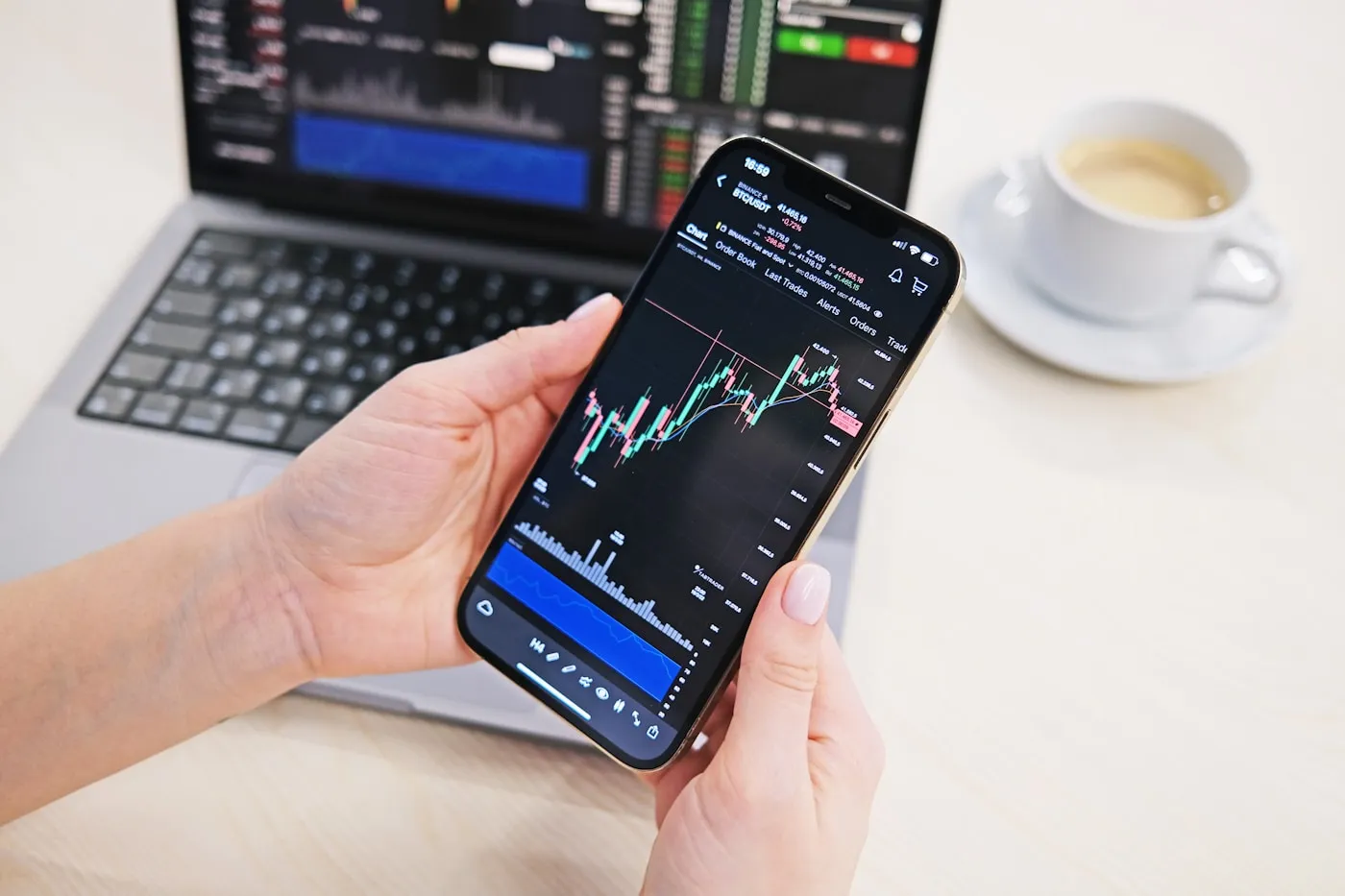
Crypto transfer from another wallet
If you already hold crypto in a wallet or on an exchange, you can send it to your fomo wallet. fomo’s wallet is self-custody, powered by Privy, and holds one balance across Solana, Base, BNB Chain, Ethereum, Monad and Robinhood Chain without separate wallets per chain.
The steps are the same as sending crypto anywhere:
- Open the deposit option and choose crypto or receive.
- Select the asset and the chain. The app shows a deposit address for that chain.
- Copy the address. Do not retype it.
- In the sending wallet or exchange, paste the address, choose the same chain, and send.
- Wait for the chain to confirm. The balance updates when it does.
fomo does not publish a figure for how long this takes, because it depends on the chain. Solana and Base confirmations are usually a matter of seconds to minutes.
The network selection warning
This is the deposit mistake that loses money, so it gets its own section.
A deposit address belongs to one chain. If fomo shows you a Base address and you send from an exchange on the Ethereum network, or the BNB network, or any other, the funds may not arrive and may not be recoverable. Several of these chains use the same address format, which makes the mistake easy: an address can look right and still be on the wrong network.
Two rules cover it:
- Send only on a chain the fomo deposit screen lists for that asset. fomo supports several chains, but whether every one of them accepts inbound deposits is something the app shows and fomo.family does not spell out. Check the screen, not this page.
- Match the chain on both ends. If the fomo screen says Solana, the sending side must be Solana. If it says Base, the sending side must be Base.
If you are unsure, send a small test amount first. The gas on a test transfer is cheap compared to a lost deposit. And if you do send on the wrong chain, contact fomo support through Discord or X (@fomo) with the transaction hash; recovery is not guaranteed, but they are the only people who can look.
Does fomo take Cash App?
fomo does not list Cash App as a funding method. The four listed options are Apple Pay, debit card, ACH and crypto transfer.
If your money lives in Cash App, you have two indirect routes. One is to use a Cash App card under the debit card option, which may work or may be blocked, the same as any other card. The other is to buy bitcoin inside Cash App and send it as a crypto transfer, but only if the fomo deposit screen shows a bitcoin deposit option on a chain Cash App can send on, and fomo’s listed chains do not include the bitcoin network. In practice the debit card route is the one to try, and ACH from the underlying bank account is the fallback.
Deposit limits and KYC
fomo does not require KYC to create an account, and it says signup takes under 30 seconds on web. Any referral code is entered on that same screen, before you fund anything. That does not mean the onramps are unchecked. Card and bank payment processors run their own verification, and fomo’s own FAQ notes that debit card payments can be blocked by the bank. Expect the first card or ACH deposit to be the one most likely to hit friction.
Deposit limits are not published. Whatever the app shows on the deposit screen is the limit; nothing here should be read as a number fomo has committed to.
If a deposit is failing rather than merely slow, the deposit troubleshooting guide covers the card route fomo never names, the countries it excludes, and why banks decline crypto purchases.
After the deposit
Once the balance is in, the how to use the fomo app guide covers finding and buying a token. The fees page explains the roughly 0.45% you pay per trade, and it is worth reading the withdrawals guide before you buy anything, because the way out is slower than the way in. If you are outside the US, check which countries fomo supports before funding.
Questions people ask
How do I add money to the fomo app?
Open the add funds or deposit option from your balance and pick Apple Pay, debit card, ACH bank transfer or crypto transfer. Apple Pay is the fastest of the four according to fomo.
Does fomo take Cash App?
fomo does not list Cash App as a funding method. Its listed options are Apple Pay, debit card, ACH and crypto transfer. If you try a Cash App card under the debit card option, treat it like any card: it may work or your bank may block it.
How long does a fomo deposit take?
fomo says Apple Pay funds are available immediately, ACH takes 1 to 5 days and is free, and debit card is fast but may be blocked by your bank. A crypto transfer arrives once the chain confirms it.
What is the minimum deposit on the fomo app?
fomo does not publish deposit minimums, maximums or onramp fees anywhere on fomo.family. The deposit screen in the app shows the limits that apply to your account, your country and the method you picked, so check there before planning a transfer. Card issuers set their own limits on crypto purchases too.
Which chain should I send crypto to fomo on?
Only a chain the deposit screen lists. fomo supports Solana, Base, BNB Chain, Ethereum, Monad and Robinhood Chain, but check which ones accept deposits inside the app before sending. Sending on the wrong chain can lose the funds.
Do I need KYC to deposit on fomo?
fomo does not require KYC to create an account. Card and bank onramps may run their own checks, and fomo's FAQ mentions that debit card payments can be blocked by your bank.